
Honda Civic
Sport saloon · driver available
5 SeatsAutomaticPetrol
GH₵900 / dayBook Now
You can keep browsing using the navigation above.
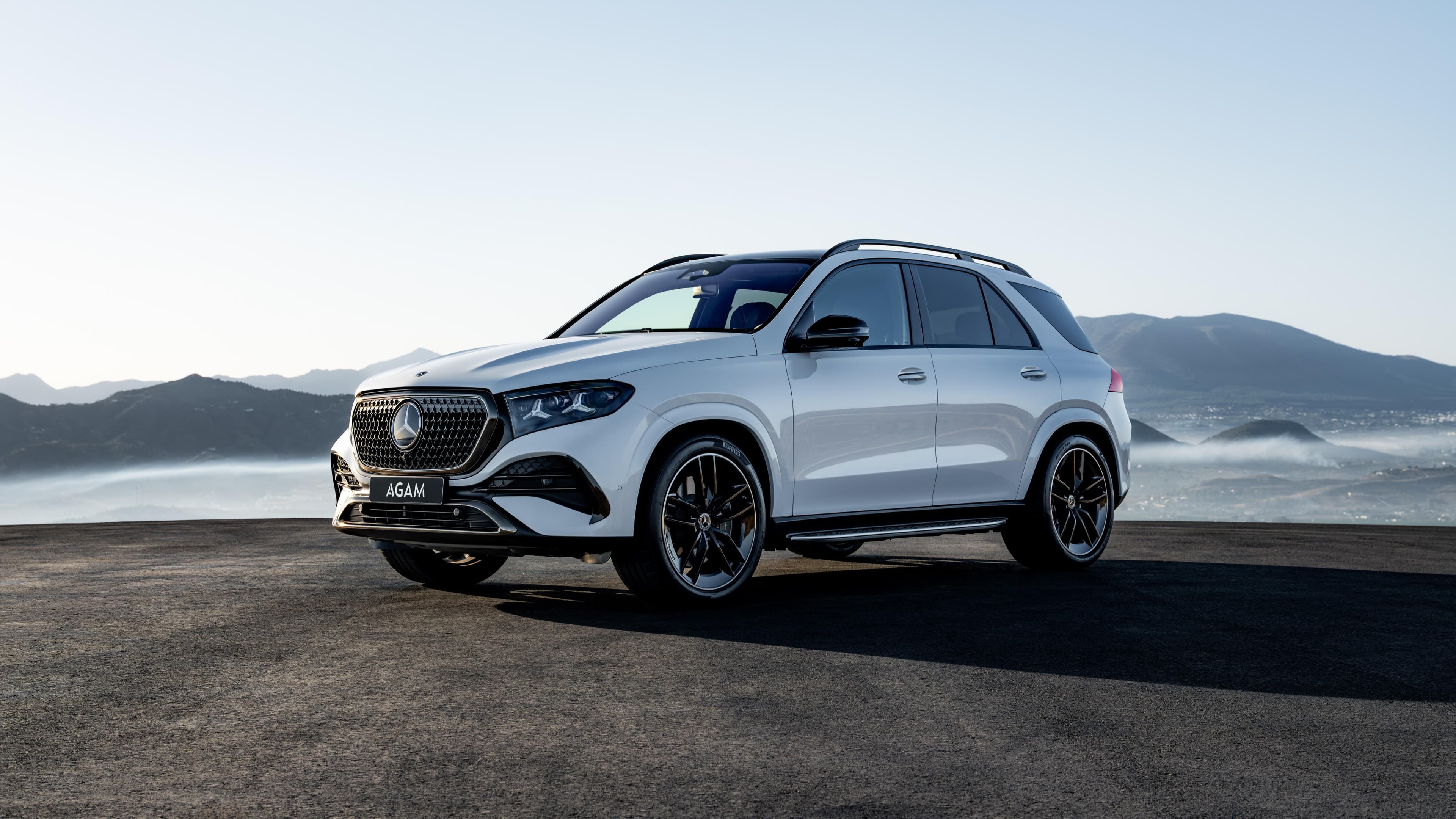

Find the right vehicle for your journey with a straightforward booking experience from start to finish.
BOOK A CAROUR FLEET
Explore our selection of vehicles designed to make every journey comfortable, convenient and reliable.
Sport saloon · driver available
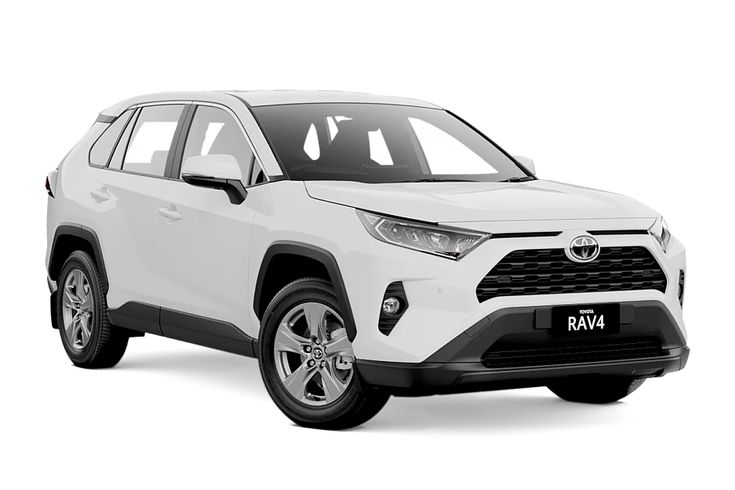
Compact SUV · driver available
Family SUV · driver available
Double-cab pickup · driver available
WHY CHOOSE ANLIMA
We make finding and booking your next rental car simple, with vehicle options for different journeys and travel needs.


Find a vehicle that suits your journey, from everyday travel to longer trips.

Search for available vehicles and submit your rental details through the website.

Review the rental price and applicable charges before completing your booking.

Contact the ANLIMA team if you need help with a rental enquiry or booking.
HOW IT WORKS
From choosing your vehicle to confirming your booking, ANLIMA makes renting a car simple and convenient.
Explore our range of available vehicles, compare their features, seating capacity and daily rental prices, then choose the car that best suits your travel needs, destination and budget.
Select your pickup location and rental dates, review your chosen vehicle and rental details, then complete the booking process and payment to secure your reservation.
Once your booking is confirmed, follow the agreed pickup arrangements to collect your vehicle. Get ready to explore, attend to your plans or travel to your destination with ANLIMA.
Your next journey starts with the right car. Explore our fleet, choose the vehicle that suits your needs, and book with confidence. ANLIMA makes it easy to find the right ride for your next trip.
Book Your Car Today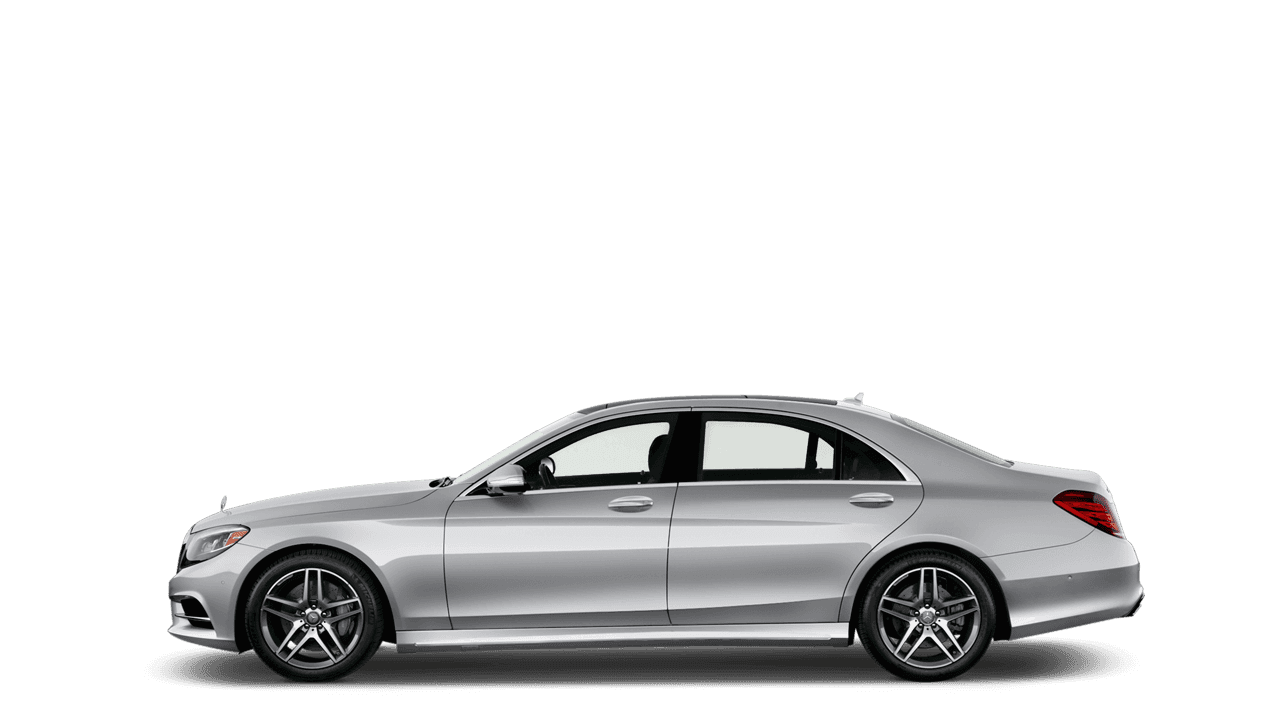
Find answers to common questions about renting a car with ANLIMA, from booking requirements and vehicle availability to rental terms and pickup arrangements.
Choose a car and your dates, then sign in to add your contact and driver details. Review your quote and reserve. Complete payment within 15 minutes to confirm your car.
Have your valid driving licence and identification ready. Review the rental guide for the documents and eligibility requirements that apply to your booking. Read the rental guide.
Review the full rental quote, then choose Paystack or Flutterwave and pay securely using an available card or Mobile Money option. Your booking page will show the payment and confirmation status.
Reservation changes and cancellations are subject to ANLIMA’s rental terms and conditions. Review the applicable policy before changing an existing booking. Read the rental guide.
Select one of the pickup points configured for your chosen car. Your reservation shows the selected location and rental dates.
Open My bookings to review your reservation, payment status and rental details. Sign in with the email address used for your booking. View my bookings.